And why is it worth using them right now?
Because you'll save even more time!
Perhaps you already use WEBOOKER daily. You know and use enrolments, payments, attendance and communication with parents and teachers. But there are some features quietly waiting in the background — that can save you additional hours of work. At the same time, they make your booking system more professional, appealing and organised.
Let's look at 7 of the most practical features you've had in WEBOOKER for a long time — maybe you just haven't fully explored them yet. There's also a bonus waiting at the end.
Tip #1: Customise WEBOOKER to match your own style
Logo, colours, a welcome banner, formatted text and images for courses — every organisation has its own visual identity. Colours and elements by which your clients recognise you instantly.
WEBOOKER can be customised so it visually matches your website: you can change the interface and colours, add your logo, insert a banner and format texts individually.
An appealing registration page isn't just about aesthetics. Clients find their way more quickly, gain trust and the entire booking process becomes noticeably more pleasant.
Tip #2: The holiday calendar keeps track of public holidays and closure days
Public holidays, school breaks or planned closure days — with WEBOOKER, manual counting is a thing of the past.
Simply mark the days when no lessons take place, and WEBOOKER automatically schedules the required number of lessons.
If you want 12 sessions, the system plans exactly 12 — no typos, no manual counting, no last-minute adjustments.
Tip #3: Prepare a new semester at your leisure — and launch it with one click
Whenever you have inspiration or finalised contracts with teachers, you can prepare the entire semester in advance — texts, schedules, images, email templates and course descriptions.
When everything is ready, simply click "Open registration". The semester becomes visible to parents in the app — no last-minute stress. Ideal for leisure centres that want to start the new school year or semester relaxed.
Tip #4: Multiple invoice profiles? No problem
If you manage courses for several entities within one system (e.g. different teachers or locations), invoices can be created per project.
In WEBOOKER, you can store multiple invoice profiles and flexibly assign them to courses or events.
WEBOOKER also supports:
- automatic payment matching across all banks
- different bank accounts for different invoice profiles
- adding a stamp or signature directly to invoices
Professional invoices — created in seconds.
Tip #5: Payment gateway for instant payments after registration
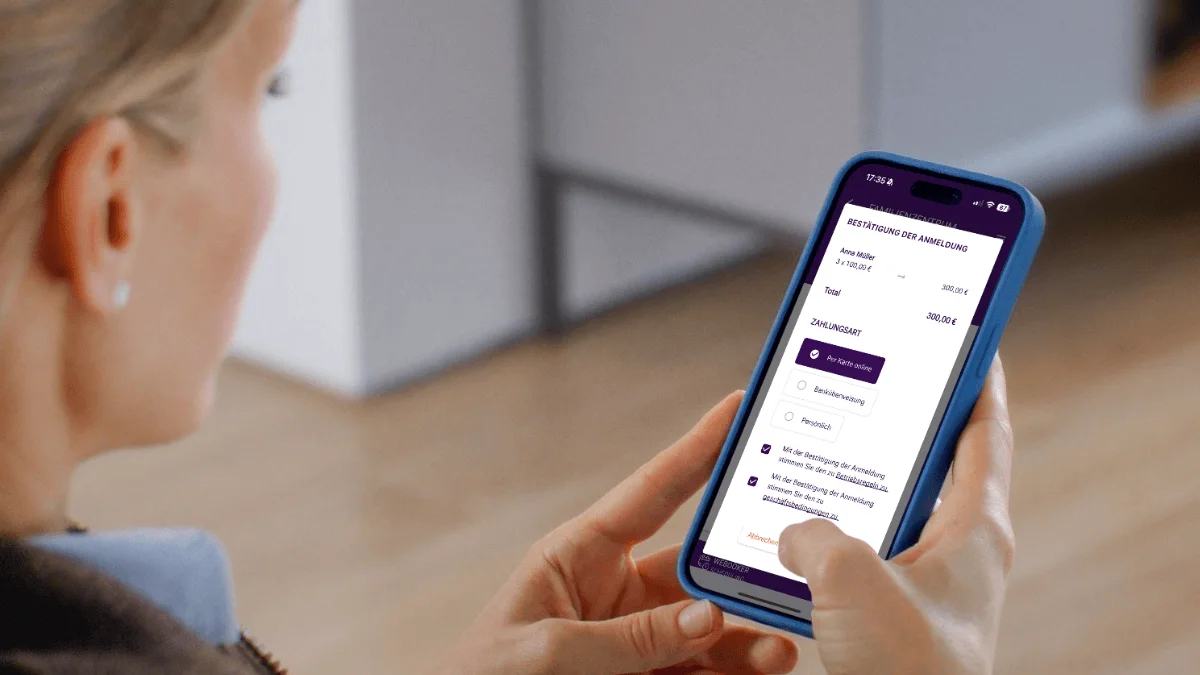
With WEBOOKER, you can easily accept online payments via the Stripe payment gateway. Clients pay directly at registration — by card, Apple Pay, Google Pay or instant bank transfer.
The best part: the system works automatically. After a successful payment, a confirmation is sent and the payment is matched directly — without manual checking.
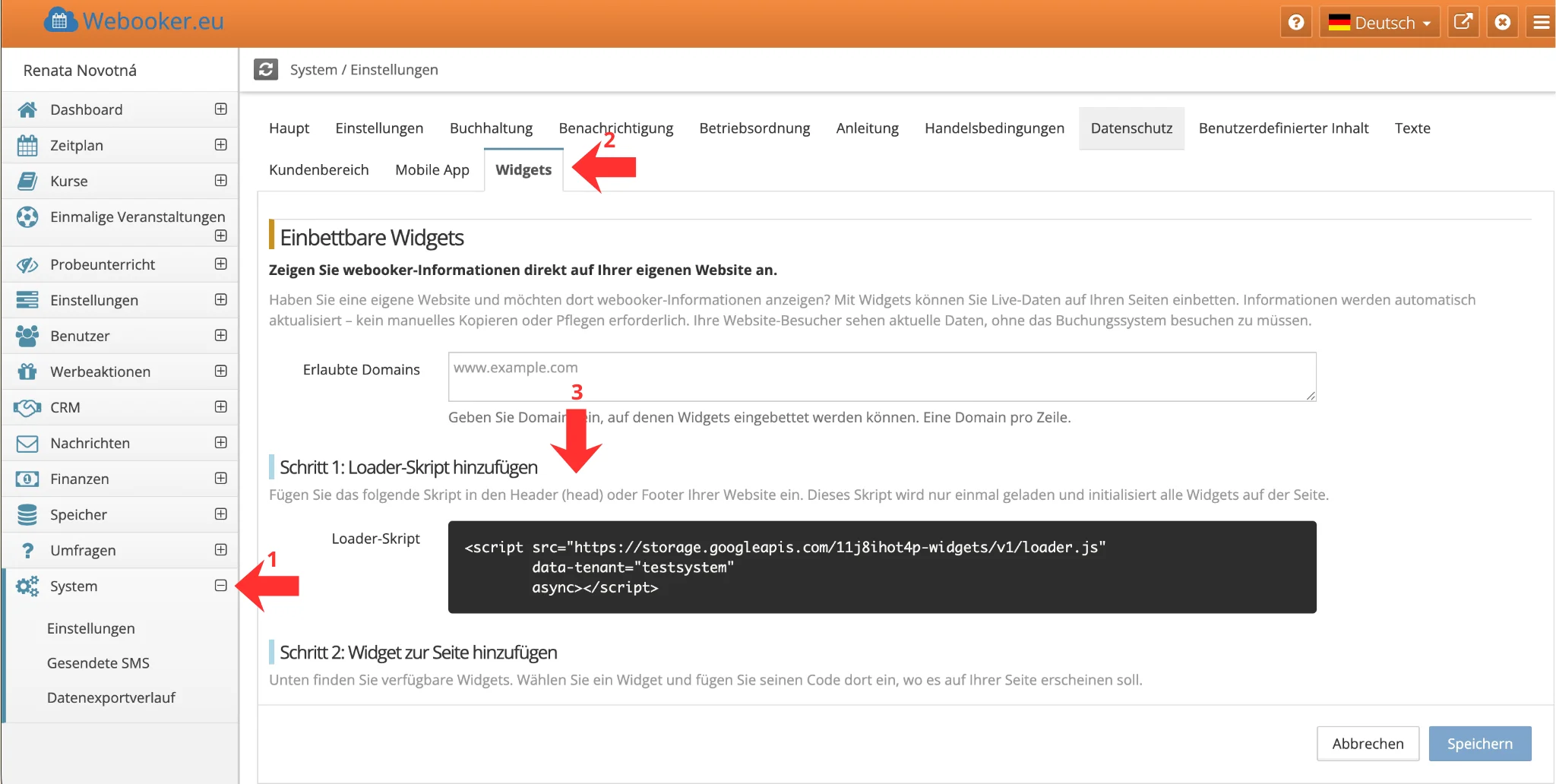
Simply activate the payment gateway, connect it with WEBOOKER and assign it to your invoice data. You'll find the guide in the help centre:
→ Payment gateway – Online payments (Guide)
Set up the payment gateway — and see how much work it takes off your hands.
Tip #6: Course materials in one place
For each course, you can add learning materials — PDFs, videos, audio files, worksheets or images.
You also decide who gets access and when. Language schools, for example, use this feature to unlock tests or videos only after payment.
No more sending via email and no more searching through attachments.
Tip #7: Mobile app for parents and teachers
Today, much happens on the smartphone. Parents have apps at their fingertips at all times. With WEBOOKER it's simple: install the app, customise it for your organisation and inform parents. Clients download the app conveniently from Google Play or the App Store.
Parents receive notifications when the schedule changes, can submit excuses or are informed when a compensation slot becomes available.
For teachers, the app is also a practical tool — attendance and course overviews are available on mobile at any time.
Bonus: Online courses? WEBOOKER works with Zoom and recordings
If you offer online lessons, WEBOOKER can be automatically connected with Zoom. The system reminds students of the online lesson and — if recorded — sends the recording to registered students afterwards.
From past years we know: this feature isn't only helpful for forced online teaching, but also for seminars or special events at your centre.
Perhaps you use WEBOOKER daily — but some features are still waiting to be discovered. They can save you many hours per month, structure your workflows and make your system even more professional.
Sometimes a fresh perspective is all it takes. You might find that the solutions you've been looking for have been there all along.
Follow us on social media, where we introduce features — or visit our support section.
Try WEBOOKER free for 7 days now