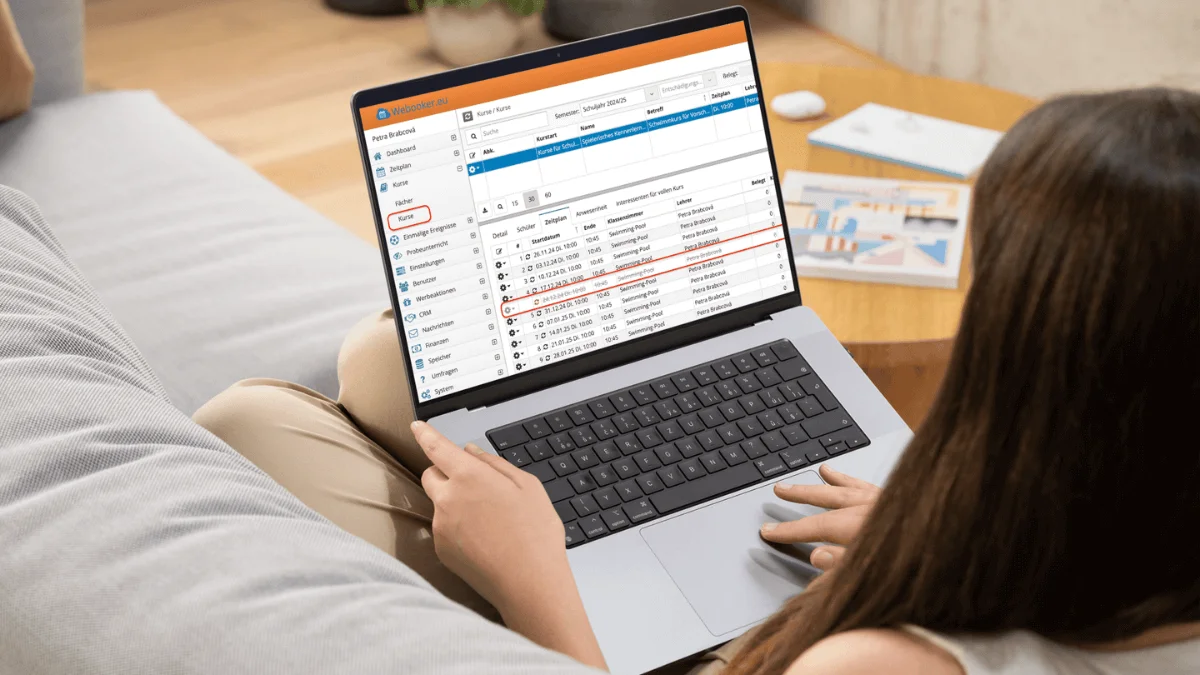
Do you spend hours copying data from WEBOOKER to your website? You create a new course in WEBOOKER. Set the price, dates, add a teacher, upload photos. Then you open your website and enter everything all over again.
And when something changes? You adjust the price in the system and later remember it also needs updating on the website. Double work. And sometimes errors too.
This is exactly where the course management widget proves its value — it greatly simplifies this double work. The widget is a simple code snippet that you embed in your website, and all data from WEBOOKER is automatically updated everywhere.
Display courses from WEBOOKER directly on your website
The widget is a simple bridge between WEBOOKER and your website. You only need to insert a short code (script) — and your course offering comes to life.
It's not additional administration. On the contrary: your website "pulls" current data directly from WEBOOKER. You manage your courses in one place only. Simply put: instead of copying everything, the content is displayed live on your website.
If you're looking for a way to connect your booking system with your website and display courses automatically, the WEBOOKER widget solves exactly this problem. It lets you link your course management with your website — without manually transferring data.
How does it work in practice?
Imagine a language school starting a new semester. Prices change, new courses are added, some move to different days, a new teacher joins.
Without the widget, all these changes must be manually updated on the website: open the course page, change the price, check dates, adjust text, upload a new photo. For each course individually.
With the widget, a single change in WEBOOKER is enough. The website updates automatically. Parents always see the correct price, current dates, the right teacher and the actual number of lessons.
At the start of the school year or mid-year, when new course runs are set up, this can easily save you up to 10 hours of work — depending on the size of your centre. The more courses and teachers you manage, the greater the difference.
And you no longer have to worry about outdated information accidentally remaining on the website. The widget doesn't just mean less data entry — it ensures your offering can sell 24/7 without human intervention.
This is how a widget can look on a music school's website.
"Since we started using the widget, we no longer need to contact a webmaster at the start of every semester. We save at least a full working day."
– Jana, Language School
Want to see the widgets in action? Visit our live demo page – you can try the course list and detail widgets right in your browser without any setup.
Peace of mind at semester start and throughout the year
It's not just about time savings — although those are clearly noticeable. Even more important is the peace of mind. You manage courses once and can be sure your website shows exactly what it should. You don't have to keep track of what still "needs updating on the website".
The widget doesn't affect your website's appearance at all. Design, colours and structure remain fully intact. You simply decide where courses should appear — for example, as a clear list or modern cards. WEBOOKER provides the content; the style is up to you.
What parents see on your website
From the perspective of parents and other clients, nothing changes. They visit your website, open the course or event listing, select a date and immediately see all important information: price, time, teacher name and number of lessons.
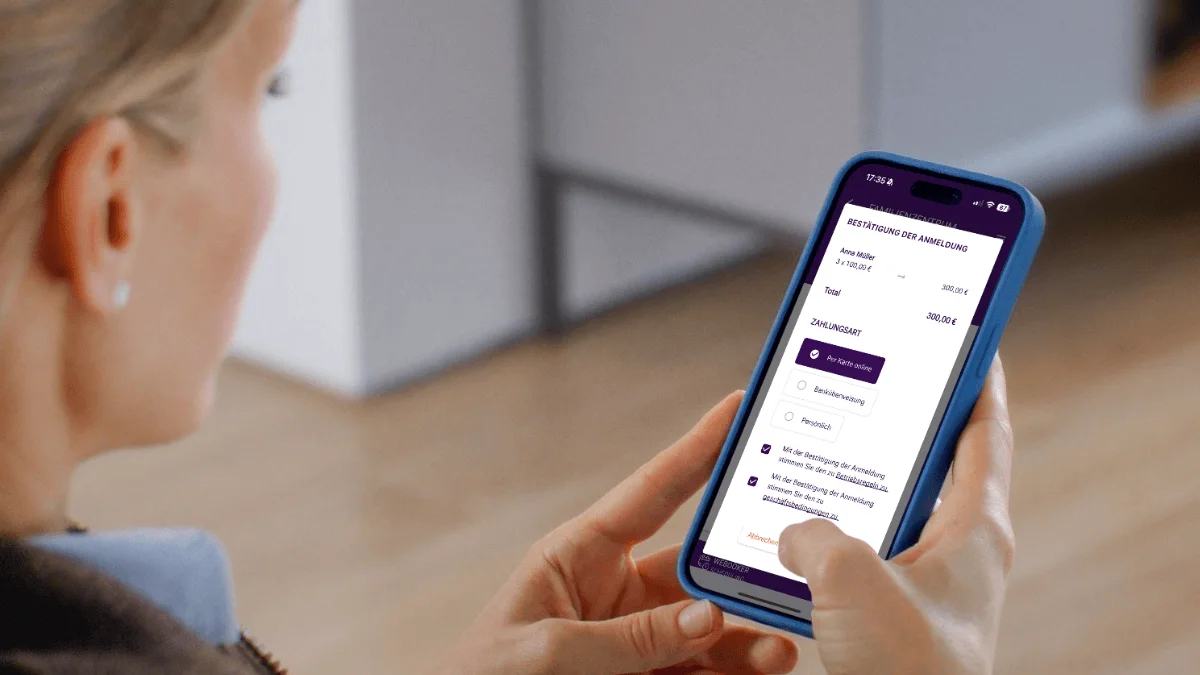
When parents want to enrol their child, they click the registration button. The page redirects to WEBOOKER — but visually they stay in your environment. For parents, it's a single, smooth step: from the course listing straight to registration.
One page instead of dozens of subpages
A major advantage also lies in simpler website management. You don't create a separate subpage for each course. One overview page and one universal detail page are enough. The widget automatically loads whichever course visitors select.
This simplifies both web development and long-term maintenance considerably. Instead of spending hours adjusting individual subpages, you manage content exclusively in WEBOOKER. Your course listing adapts automatically.
Over the course of the year — depending on the number of courses — this can save you additional minutes to hours of work.
Is this feature right for you? Organisations with frequent changes benefit the most
You'll appreciate the widget most if you regularly open new course runs throughout the year, adjust dates or work with multiple teachers.
Typically suitable for:
- Language and music schools
- Sports clubs
- Dance studios
- Leisure and education centres
- Independent teachers with their own website
The more courses you manage, the greater the difference. If you want to avoid double data entry and ensure your website is always up to date, the widget is the logical next step.
At the same time, you retain full control over your website and can analyse visitor numbers, user behaviour and click paths as usual.
View live demo Widget setup guide →